Is your SharePoint about to stop working?
SharePoint support is ending in 2026. Microsoft is retiring SharePoint Classic and standalone SharePoint Online — meaning broken workflows, security gaps, and compliance risks. We'll help you understand what's at stake.
See the deadlines Talk to us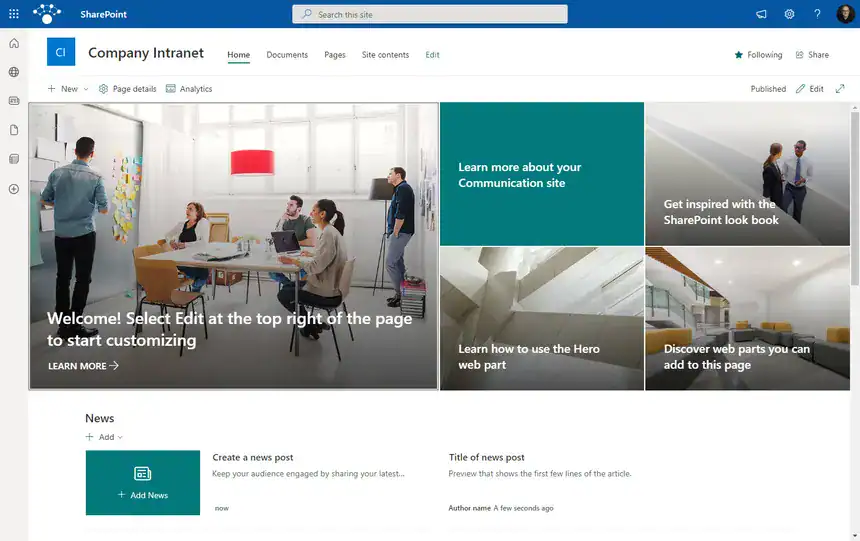
How we help you avoid disruption
A straightforward three-step approach to get your business safely moved to Modern SharePoint before the deadlines hit.
Assess your risk
A clear risk analysis in plain English, with your options and what they'll cost.
Plan the migration
A migration plan that fits your business needs, timeline, and budget.
Make the move
We migrate your SharePoint environment with minimal disruption to your team.
Want the full picture?
Detailed guides on what each deadline means and what you need to do.
Why work with us?
UK-based, remote-first, senior-only. No jargon, no outsourcing.
Independent advice
We're not tied to Microsoft or any vendor. Recommendations based on what's best for your business.
Senior expertise only
You work directly with consultants who have 10+ years experience. No juniors, no account managers.
Everything stays in-house
Your project stays with our UK team. We never outsource or offshore any of the work.
What our clients say
Rated 5 stars on Trustpilot ★★★★★
"Be Braver has looked after my IT, including my website, Office 365 and domains for a few years. No downtime, very reasonable fees and a human at the end of the phone."
 Gavin Anderson
"Always there to answer my questions, which has saved me countless hours of googling. Would recommend to anyone."
 Jo Travers
Who we are
We started Be Braver because we were tired of seeing companies like yours being talked down to or confused by IT jargon.
We specialise in SharePoint, Office 365, and open-source solutions – and we only work with senior consultants who have 10+ years experience.
- Axel Segebrecht — Founder & Director, 25+ years in tech
- Lee Wharton — Solutions Architect & Lead Developer
Not sure where you stand?
Take our free risk assessment or book a call. No jargon, no pressure.
Take the SharePoint Risk Quiz Let's talk